
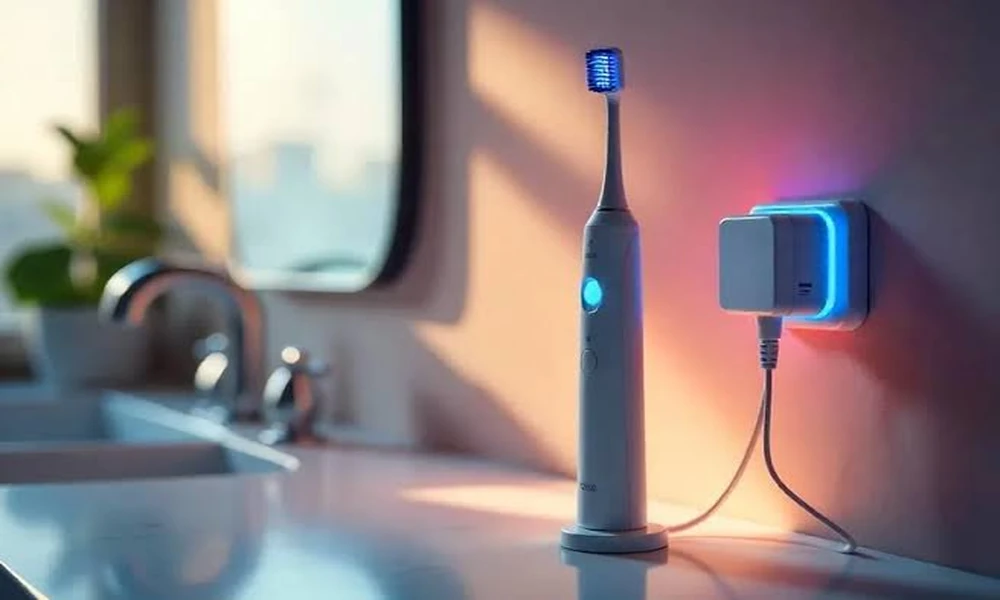
Electric toothbrushes fail in a narrow set of ways, and most of them look alike from the outside: the handle runs for less time than it used to, or stops taking a charge, or starts flashing something you have not seen before. The causes are usually distinguishable in a few minutes.
This guide covers the common faults on rechargeable toothbrush handles and what each indicator pattern generally means.
Indicator patterns differ between handle generations, and every maker uses its own scheme – the Panasonic user manuals set theirs out per model, as do the equivalents for other brands.
The most common problem is not the battery
Reduced power is far more often a worn brush head than a failing handle. Bristle stiffness degrades gradually, so the change is hard to notice, and the manufacturer’s replacement interval of roughly three months exists for cleaning effectiveness rather than as a sales exercise.
Many heads include a colour indicator in the bristles that fades as they wear. If the handle feels weaker, fit a new head before investigating anything else. It resolves the complaint more often than any other single action.
Charging problems
The handle does not charge at all
Check the charger itself is live – try the socket with something else.
Dry the base of the handle and the charger completely. Water in the well interferes with inductive charging on some models.
Ensure the handle is seated properly. Inductive charging needs correct alignment, and a handle resting at an angle may not couple.
Try a different socket, bypassing any extension or shaver adaptor.
It charges but discharges quickly
Lithium-ion cells lose capacity over years of cycling. A handle that once ran two weeks and now runs three days has a worn battery. On most handles the battery is not user-replaceable, which is a design decision rather than a fault.
Before concluding that, try a full conditioning cycle: run the handle until it stops completely, then charge it uninterrupted to full. This can correct a misreported charge state, though it will not restore lost capacity.
Reading the indicator lights
Indicator behaviour is model-specific and this is where a manual earns its place. Broadly, patterns fall into categories:
A steady or pulsing charge indicator during charging – normal.
A low-battery warning near the end of a run – normal.
A rapid flash or unusual colour – a fault condition or a mode you have activated unintentionally.
No response at all – a deeply discharged battery, which sometimes needs several hours on the charger before showing any sign of life.
Resist matching your light pattern to a video about a different model. The same colour can mean different things across handle generations, and the correct reference is the documentation for your specific model number, printed on the underside of the handle.
Modes and intensity
Handles with multiple modes frequently get switched accidentally, and a user then reports the brush feeling different. Cycling back to the default cleaning mode at full intensity takes seconds and rules this out.
Some models also include a gradual ramp-up feature for new users, which reduces intensity for the first fortnight of use. If a new handle feels underpowered, this is often why, and it is adjustable.
Brush head fit
A head that is not fully seated rattles, loses efficiency and can make the handle sound louder. Push it firmly onto the metal shaft until there is no visible gap. A small gap is normal by design on some ranges; a large one is not.
Third-party heads vary in fit tolerance. A head that wobbles or produces an unusual noise is worth swapping for a genuine one before assuming a handle fault.
Cleaning and water ingress
Rinse the head and the metal shaft after each use – paste residue builds up around the base and stiffens.
Remove the head weekly and clean the shaft and the inside of the head collar.
Dry the handle base before placing it on the charger.
Do not submerge the handle unless the model is explicitly rated for it.
Residue accumulation around the shaft is a genuine cause of reduced performance and unusual noise, and it is invisible with the head fitted.
Charging bases and travel cases behave differently again, which is worth checking against owner’s manuals rather than a general video.
When it is genuinely finished
A handle that will not take a charge after a full conditioning cycle, with a known-good charger and socket, and which shows no life after several hours on the base, has almost certainly reached the end of its battery life. Because the cells are sealed, that generally means replacement rather than repair.
Check the warranty position first. Registration details and coverage periods vary by region and are documented with the product.
Frequently asked questions
How often should brush heads be replaced?
Roughly every three months, sooner if the bristles splay or the colour indicator has faded.
Can I leave the handle on the charger permanently?
Most modern handles manage charging and tolerate this. Check the guidance for your model, since recommendations differ across generations.
Is a travel case charger the same as the base?
Not always. Charging behaviour and indicator patterns can differ between a case and a standard base.
Note: this is general troubleshooting guidance. Follow the instructions supplied with your specific model, and do not attempt to open a sealed handle – the battery is not designed to be user-serviced.